Do I need a Facebook account?
Yes. SellProof uses your own free Meta developer app, made with your Facebook account. You don't need to run ads or pay Meta anything. The built-in guide takes about 10 minutes. Watch the setup video
Why does Meta want to confirm my identity?
Meta asks everyone who uses the Ad Library API to confirm who they are, once. That's Meta's rule, not ours, and SellProof never sees your documents.
How does SellProof get the data?
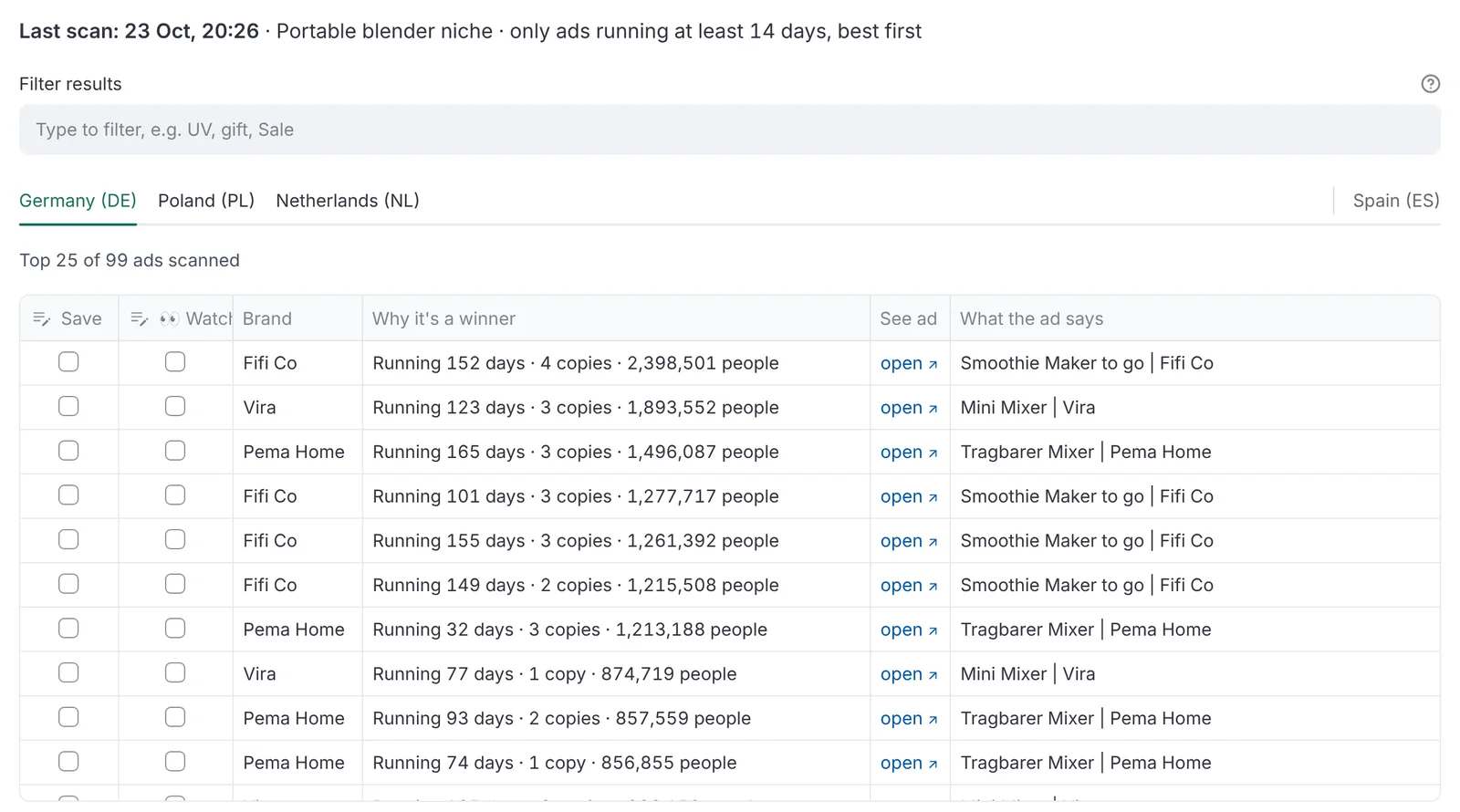
Through Meta's official Ad Library API, with your own developer app and under the terms you accept from Meta during setup. It reads the same public ad data you can see at facebook.com/ads/library, country by country, without the clicking.
Does it work for the US?
No. Meta only publishes product ads delivered in the EU and UK. Check the country list above before you buy.
Can I try it first?
Yes. The free demo runs in your browser with made-up brands, ads and shops, so you can click through every tool before you buy. No account needed, and nothing is sent to Meta.
Is it a subscription?
No. You pay €39 once and keep the app. Early buyers get every update free.
Where is my data stored?
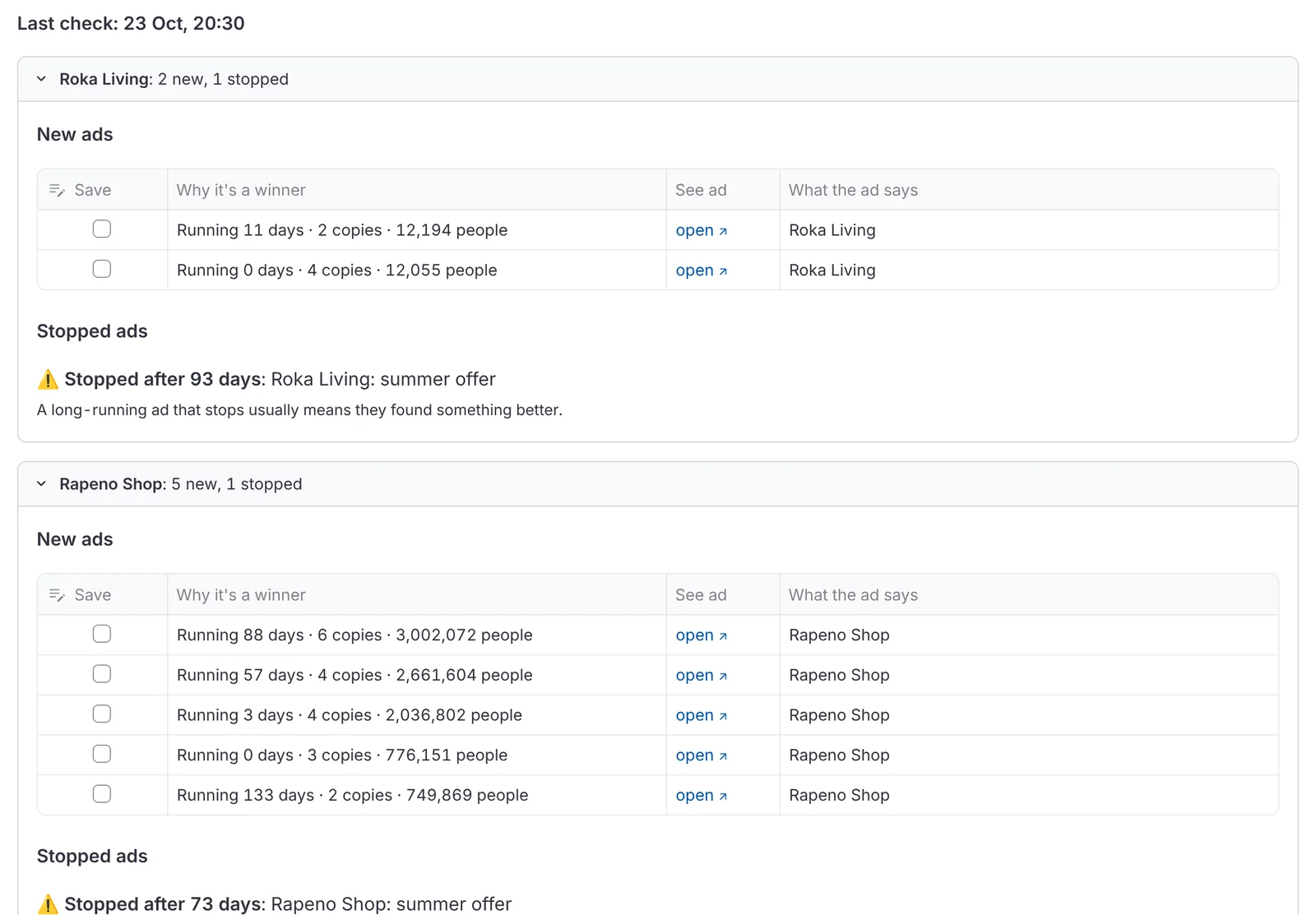
On your computer: products, reports and competitor history. SellProof has no server. Your searches go straight from your computer to Meta, and the shop check reads competitors' public Shopify product lists.
How many searches can I run?
Meta limits searches per app per hour. SellProof shows your usage in the sidebar, and if Meta asks it to slow down, it waits and tries again by itself. Searches you repeat on the same day reuse the results it already fetched (you can turn this off).
Does it work in my language?
The app is in English. It searches ads in every EU language: you (or the AI prompt) give it the search words people use in each country.
How does SellProof decide a product is worth testing?
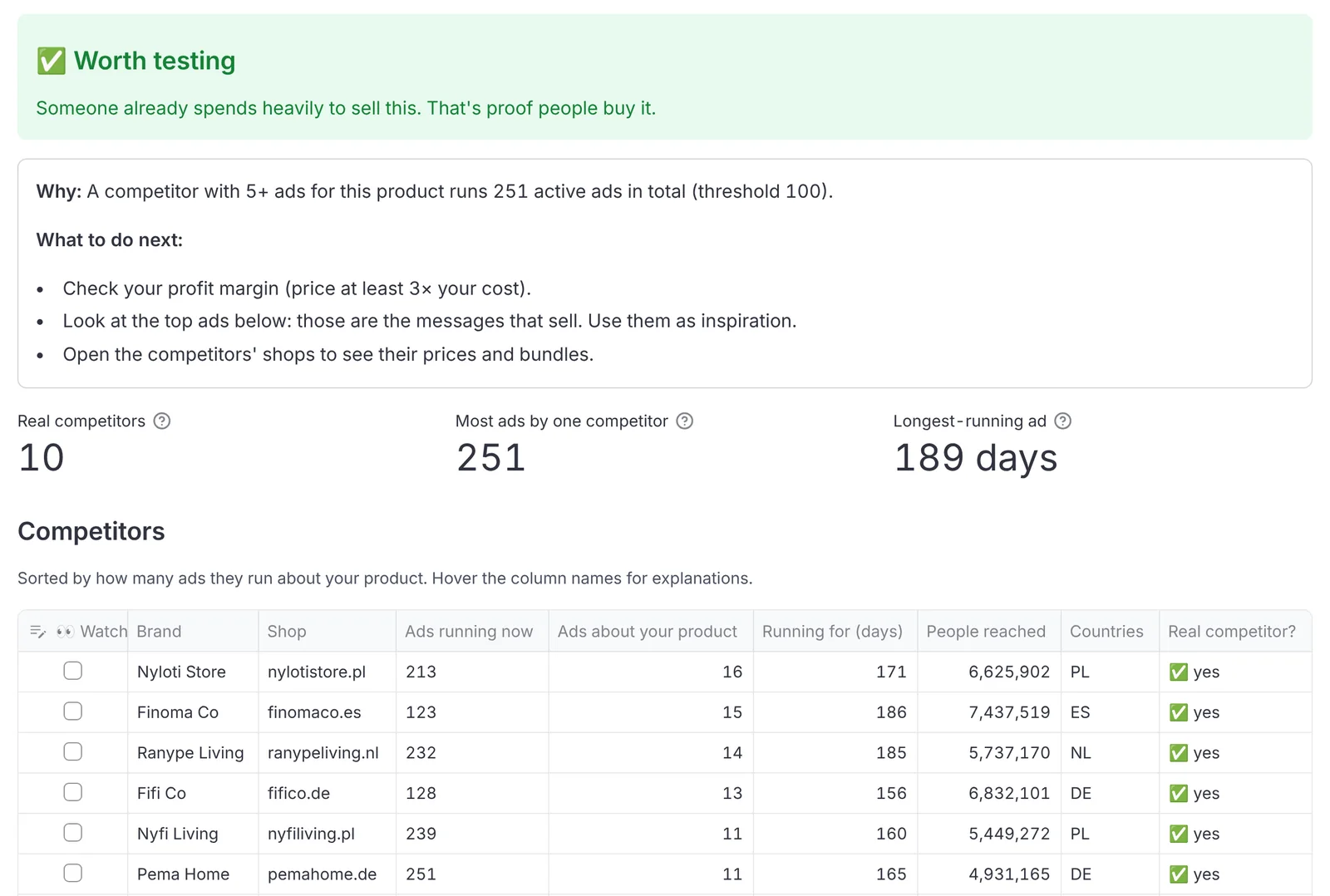
It looks for brands that run many ads about your product for a long time. Ads cost money, so a brand that keeps them running for weeks is very likely selling. Worth testing means a competitor with 5 or more ads about your product runs 100 or more ads in total. You can change both numbers in Settings.
Which computers does it run on?
64-bit Windows, Macs with Apple Silicon (M1 or newer), and 64-bit Linux.